Convert existing key to floating key
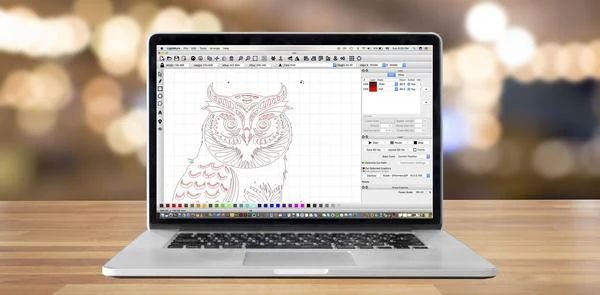
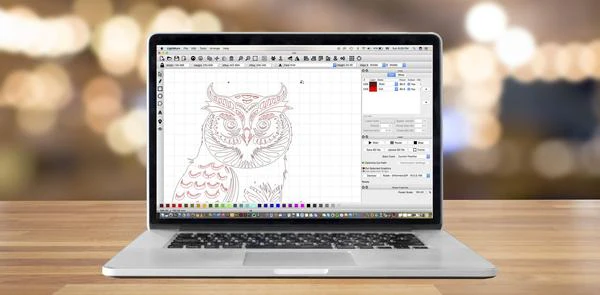
Purchase this to convert your existing, paid LightBurn license key, which by default is locked to a particular machine, into a floating license key. Enter your existing, paid license key to purchase this item. Using a Trial ID will not work.
Floating license keys make sense when, for example, a school has a lab with 100 computers, but only a class of 30 would ever use LightBurn at a time, so they only need to pay for 30 seats. However, they also require a constant internet connection to be able to “float” from one computer to another, so be aware of the potential issue before purchasing.
IMPORTANT: If your License Key updates period has expired, you must renew your Key in order to change from a fixed to floating license type. You can renew your Key here: https://lightburnsoftware.com/products/renew-lightburn-license-key
This is not a renewal. Your license's expiry date will stay the same. The cost of this product is the administrative charge for us to handle your conversion to a floating key.
Please allow for up to 1 business day for processing. You will receive a "your order is on the way" notification when we process the order. Then you will need to re-enter the license key on each computer as explained in How To Install a Floating License.
Original: $17,400.00
-70%$17,400.00
$5,220.00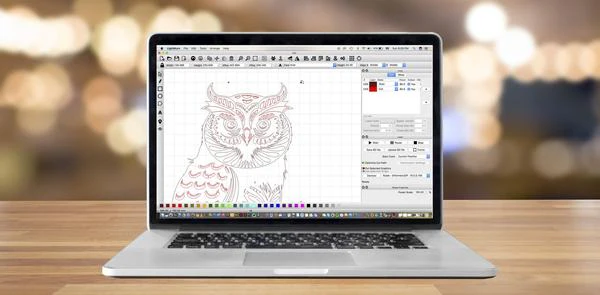
Description
Purchase this to convert your existing, paid LightBurn license key, which by default is locked to a particular machine, into a floating license key. Enter your existing, paid license key to purchase this item. Using a Trial ID will not work.
Floating license keys make sense when, for example, a school has a lab with 100 computers, but only a class of 30 would ever use LightBurn at a time, so they only need to pay for 30 seats. However, they also require a constant internet connection to be able to “float” from one computer to another, so be aware of the potential issue before purchasing.
IMPORTANT: If your License Key updates period has expired, you must renew your Key in order to change from a fixed to floating license type. You can renew your Key here: https://lightburnsoftware.com/products/renew-lightburn-license-key
This is not a renewal. Your license's expiry date will stay the same. The cost of this product is the administrative charge for us to handle your conversion to a floating key.
Please allow for up to 1 business day for processing. You will receive a "your order is on the way" notification when we process the order. Then you will need to re-enter the license key on each computer as explained in How To Install a Floating License.